Use the noCRM mobile app to qualify prospects, create and manage leads, and collaborate with colleagues away from your computer.
Find noCRM in the App Store or Google Play, or scan the relevant QR code below.
Install the app on your smartphone or tablet.
Sign in to your existing noCRM account.
App Store 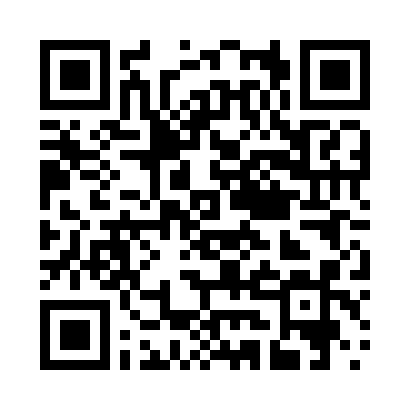 | Google Play 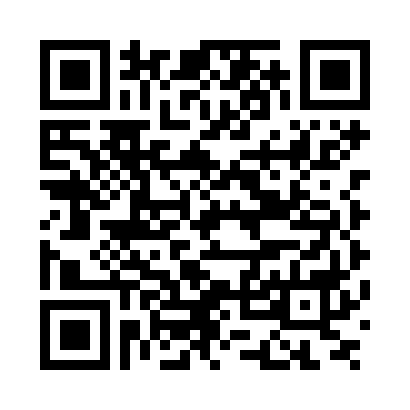 |

If you do not have a noCRM account, complete the account creation form in the app and follow its instructions. After signing in, tap + at the bottom of the screen to create a lead.
Tap the list icon to access:
Prospecting Lists.
Leads, including All Leads and Your leads.
Pipeline view.
Unassigned leads.
Client Folders.
Activity Feed.
List: open the sidebar.
Home: view the leads you need to work on.
Search: find prospects, leads and clients.
+: create a lead manually or from a business card.
Once signed in, you can update your leads offline. The app synchronizes your changes when you have an Internet connection again.
The following do not work offline:
Adding comments to leads that do not belong to you.
Sales activities.
Attachments.
Search.
On your computer, open noCRM and go to Settings.
Enable Add Whatsapp buttons on my noCRM mobile app.
In the mobile app, tap Synchronisation to retrieve the change.
Open a prospect or lead and use the SMS or phone icon to send a message or start a call through WhatsApp.
Your phone’s voice recognition converts speech into text in the comment field.
Open a lead.
Tap the comment field.
Tap the microphone on your keyboard and dictate your comment.
Watch the mobile lead management video.

Statistics.
This video shows how to create, manage and assign leads, and collaborate with colleagues.

