Automatic lead assignment ensures that sales opportunities aren't lost and that sales reps stay on top of their leads. However, with this type of automation, sales reps don't always get the same number of leads: some may be overwhelmed, while others miss out on hitting their goals.
Round Robin lead assignment distributes new leads equally among all the sales reps of your team, so that each rep gets a fair share. In this guide, you'll learn how to automate it with Zapier.
This method assigns each new lead to a different sales rep until everyone has been assigned the same number of leads, then the cycle repeats. It ensures an equal distribution of leads to each user.

Sign into your Zapier account and click Create Zap at the top left of the page.
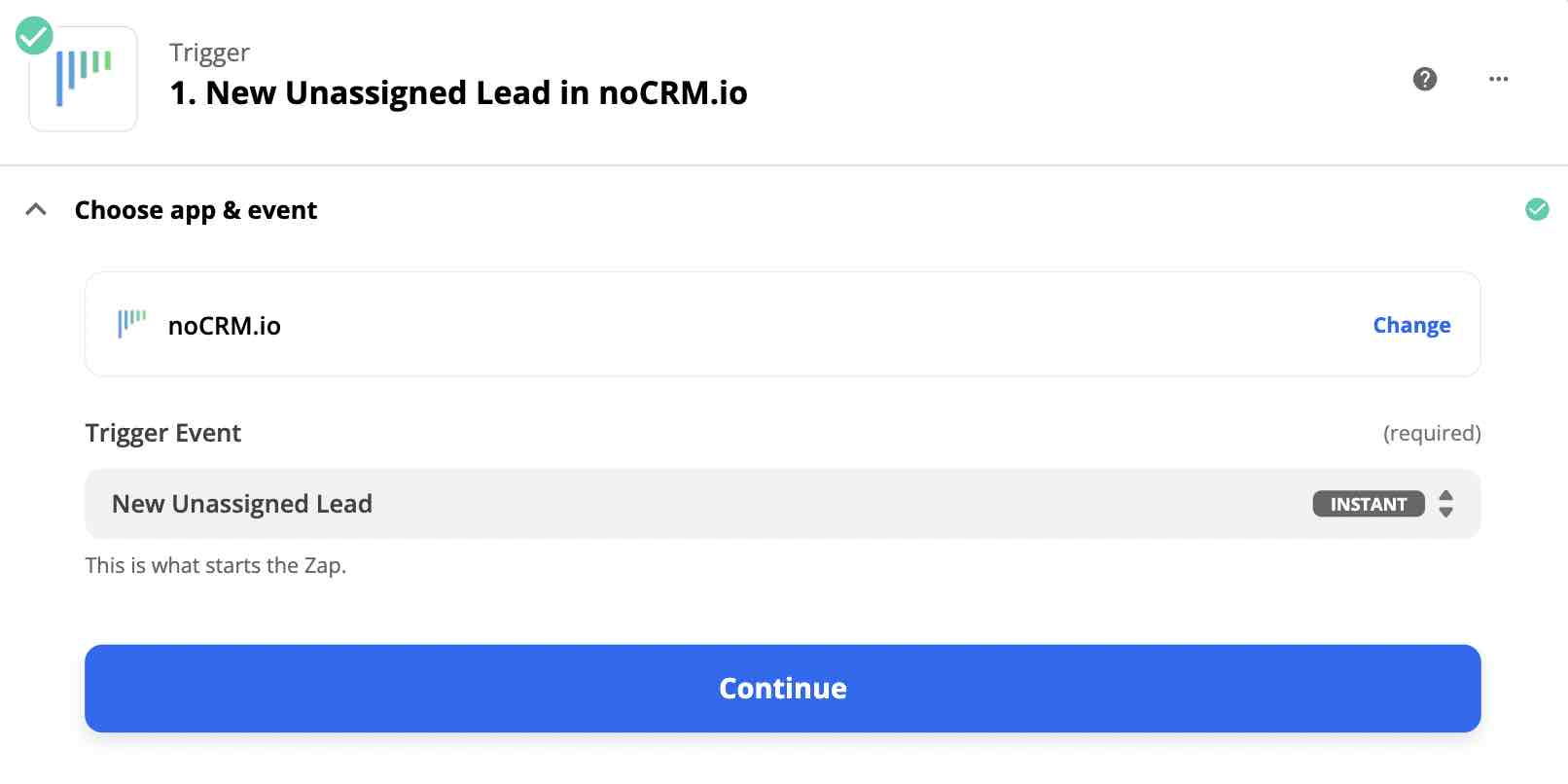
Select the noCRM app and choose the trigger event New Unassigned Lead.
Enter your account name (https://AccountName.nocrm.io).
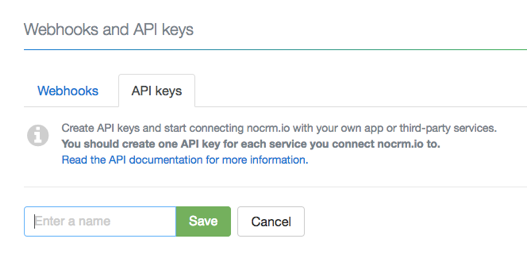
Enter your API key. To create one in noCRM, click your avatar at the top right, go to Admin panel > Integrations > API & automations > API Keys, click Create an API Key and name it.
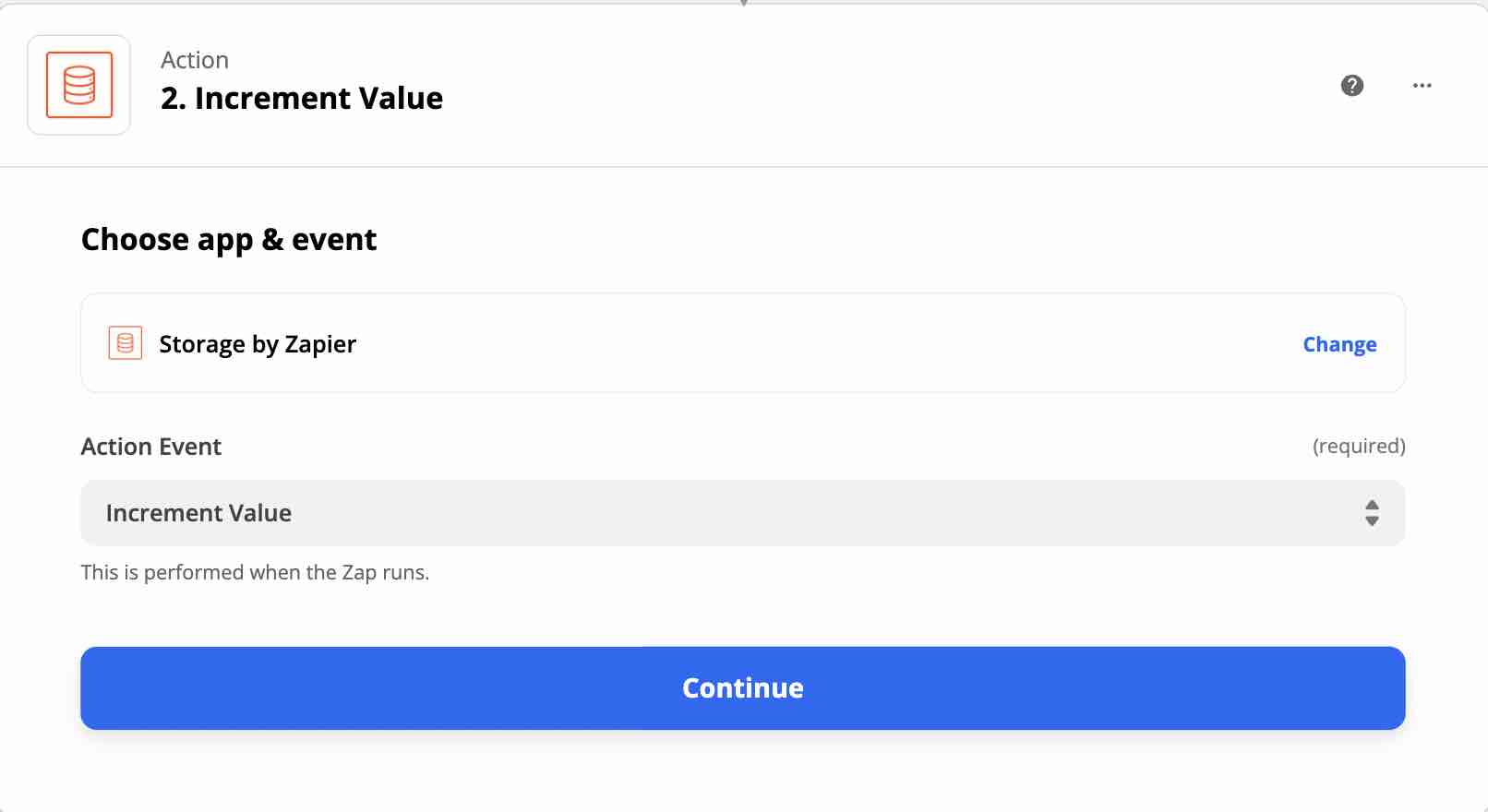
This action creates an increment counter that tracks the number of leads assigned to each user.
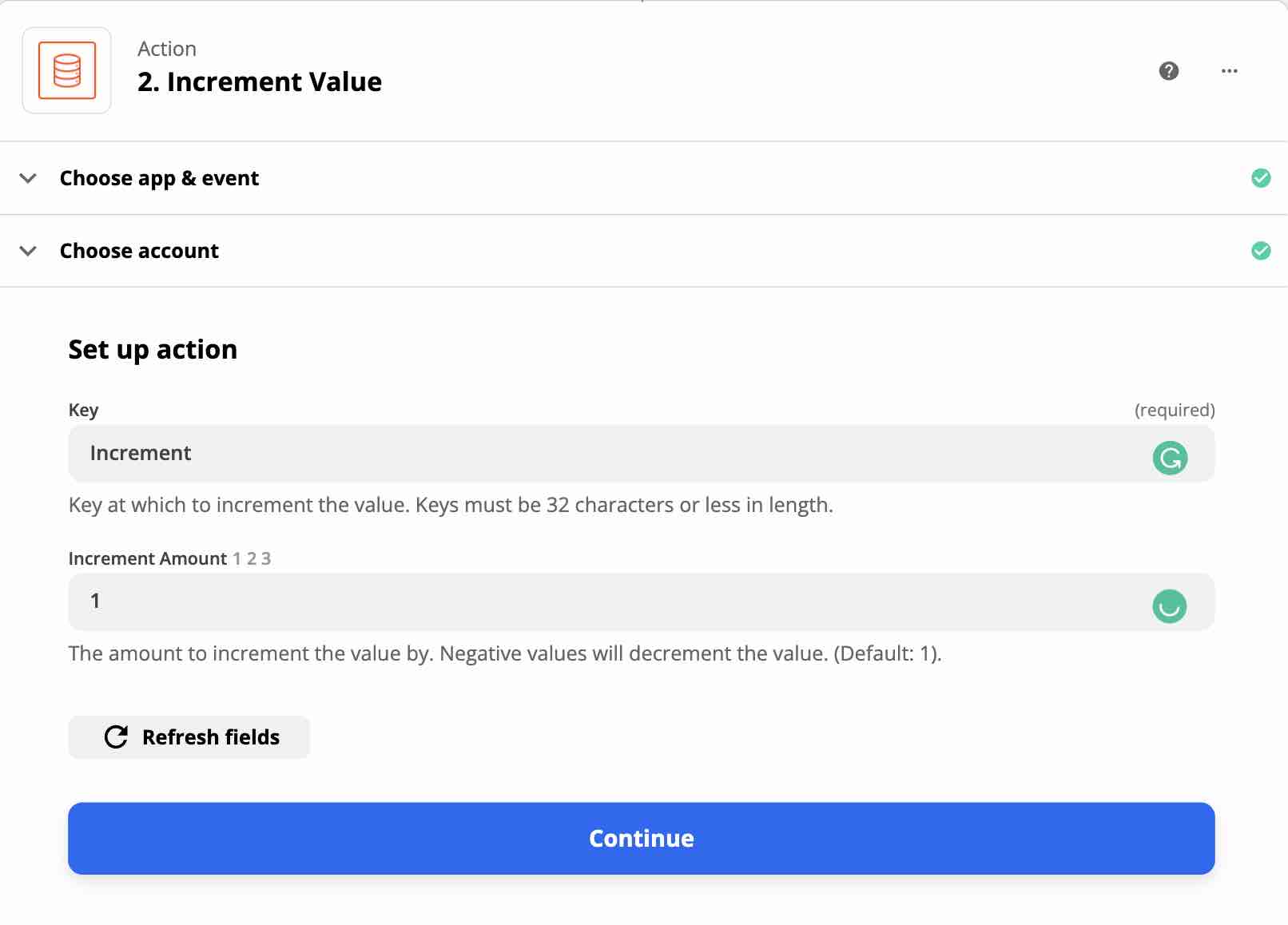
Search for and select Storage by Zapier and choose the action event Increment Value.
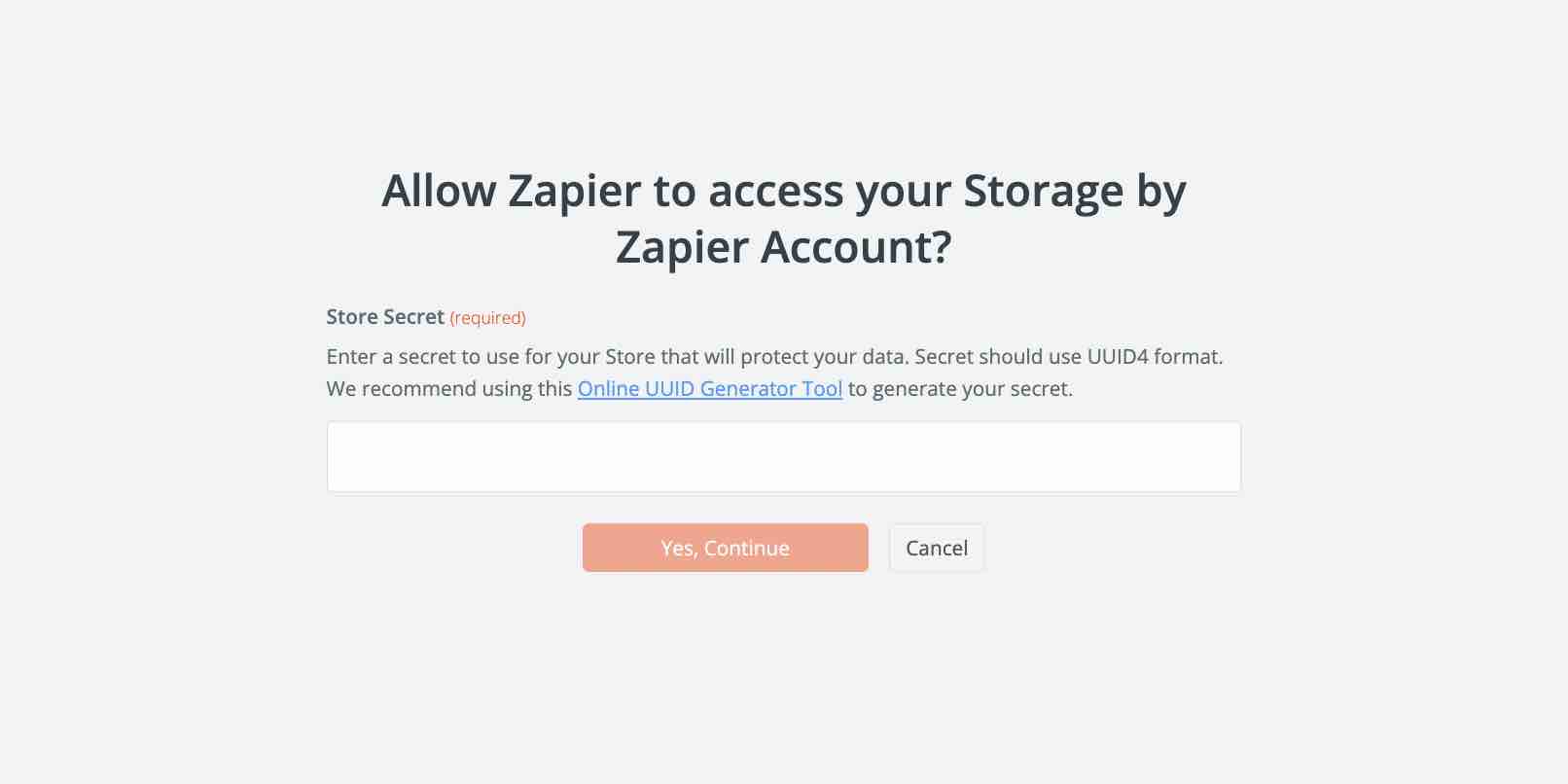
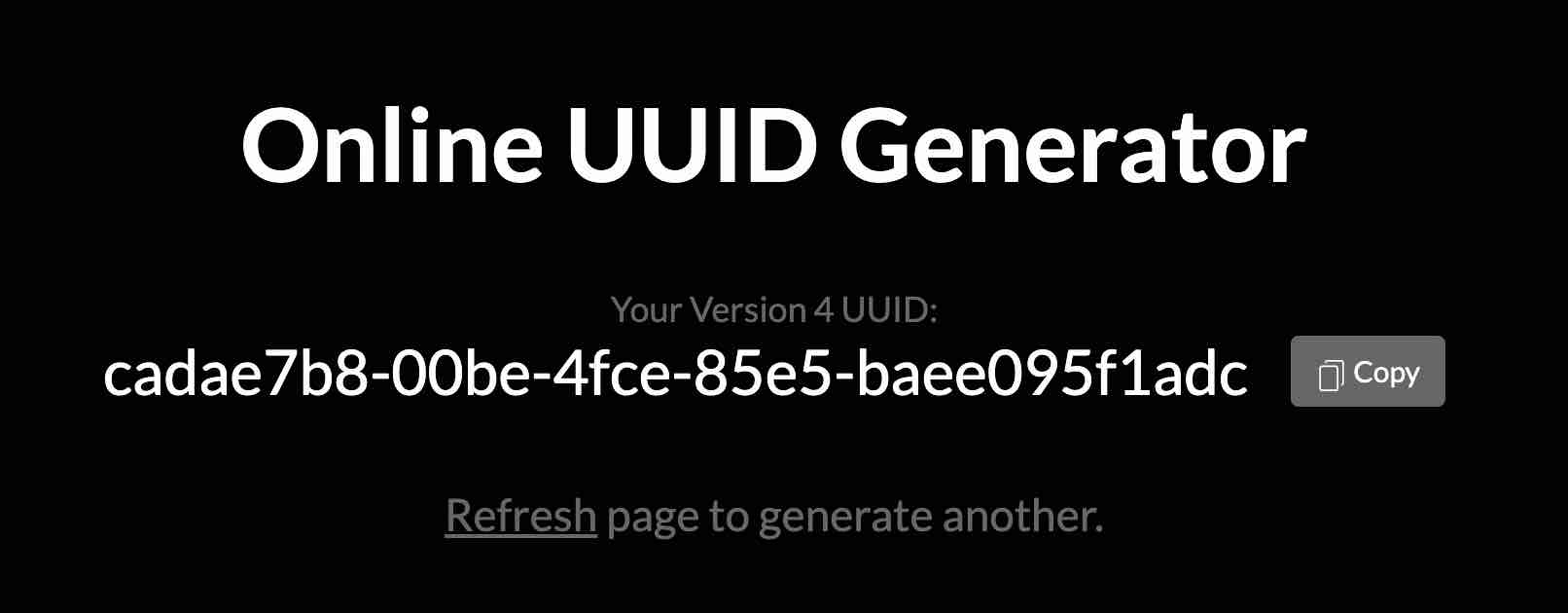
Create a new Storage by Zapier account: go to the Online UUID Generator Tool to generate the Store Secret you need to paste into the field.
On the generator page, click Copy, then paste the secret into the field in Zapier.
Enter Increment in the Key field and 1 in the Increment Amount field.
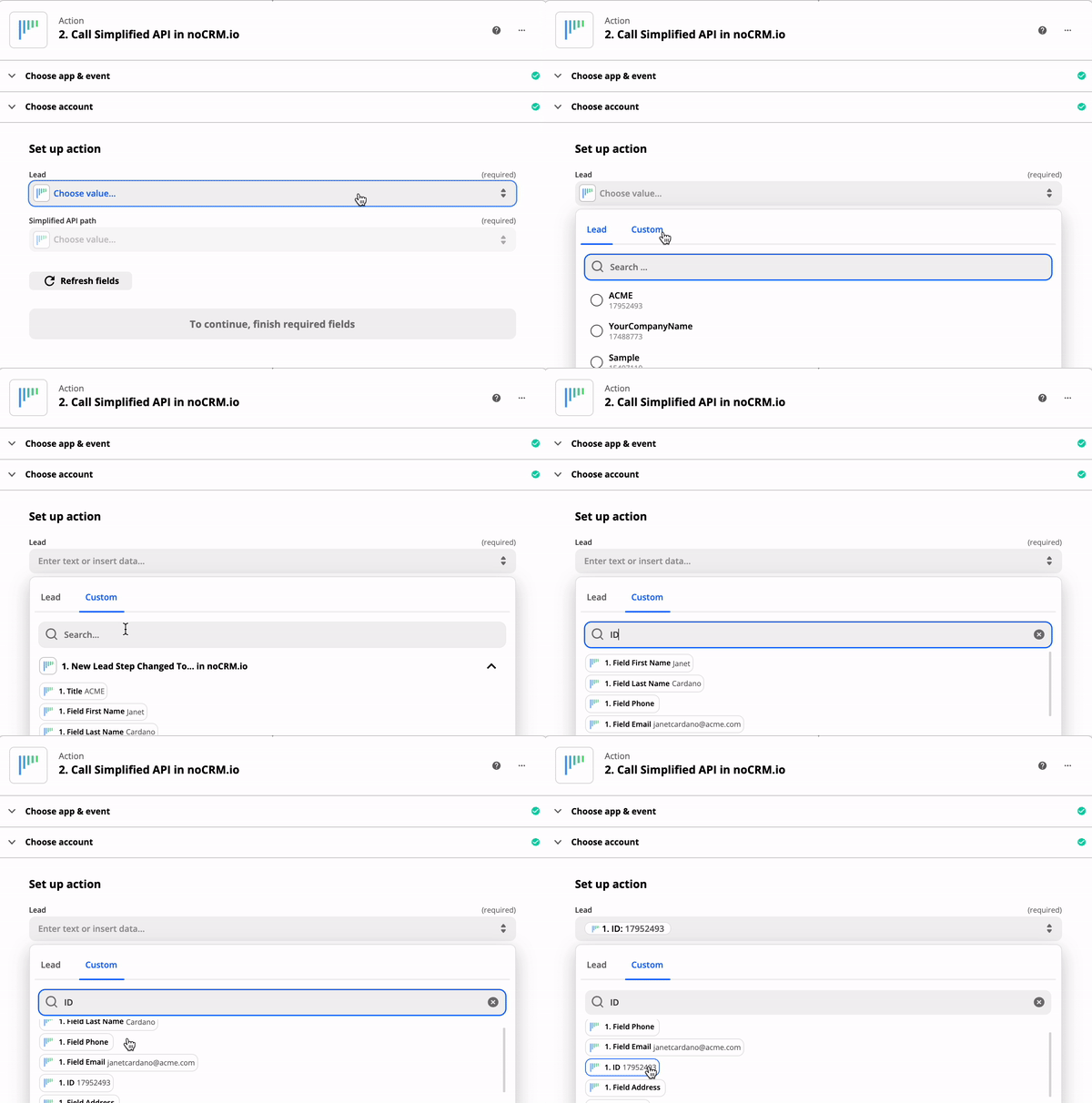
Select the noCRM app and choose the action event Call Simplified API.
Choose the noCRM account you already connected.
In the Custom tab, select the ID of the lead generated by the trigger.
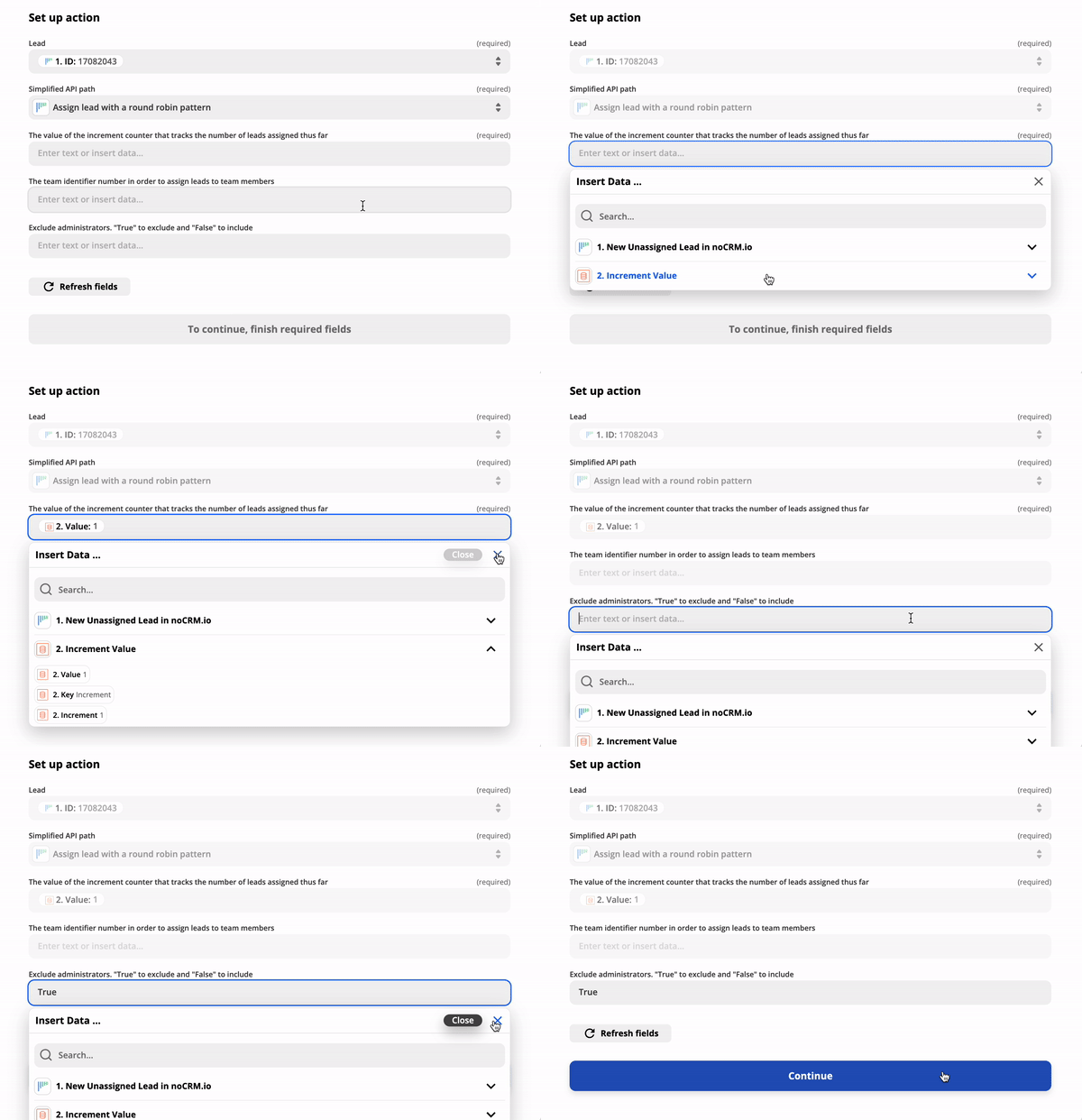
Choose Assign lead with a round-robin pattern as the Simplified API path. Three more fields appear.
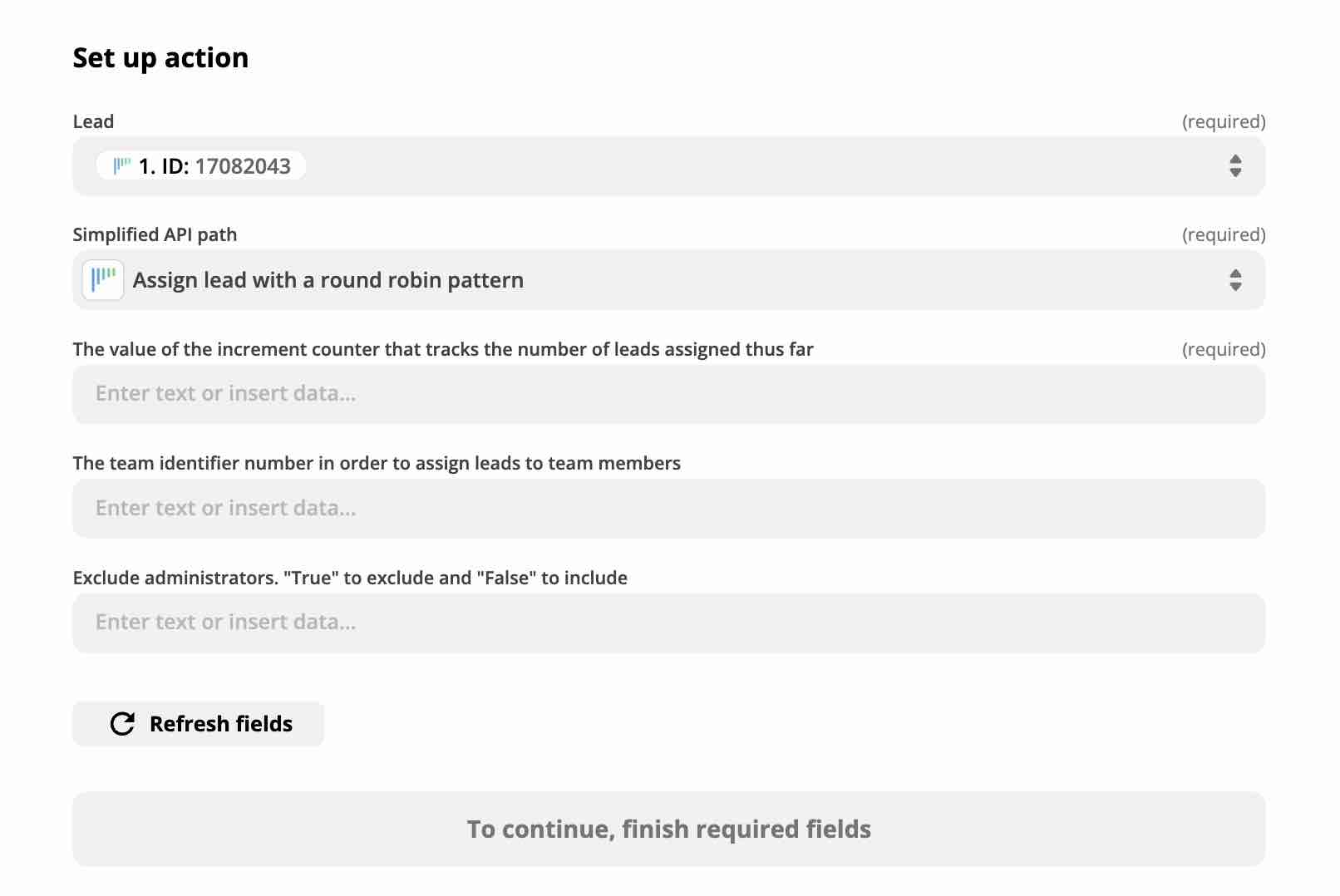
In the first field, enter the value created by the previous action. This is the increment counter that tracks the number of leads assigned so far.
(Optional) In the second field, enter the team ID to assign leads to the members of this team. To find it, go to Admin panel > Integrations > API & automations > Account object ID's.
In the third field, type True to exclude administrators from the assignment, or False to include them.

That's it! Your round-robin lead assignment is now automated.

