Inside noCRM's lead management software, admins can configure the account's branding and localization settings. Follow these steps:
Click your avatar at the top right.
Go to Admin panel > Account management > Branding and localization.
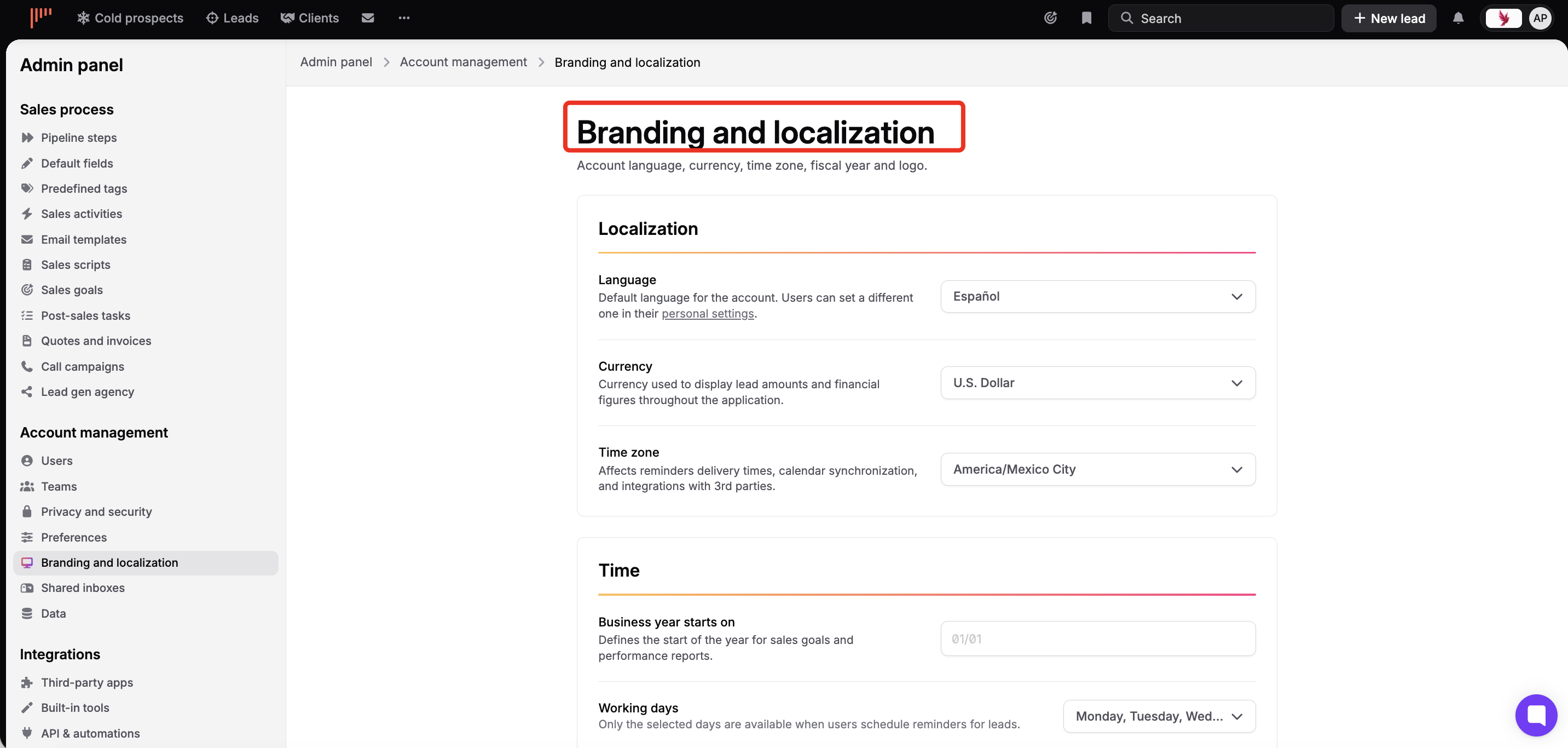
Set the default language, currency, and time zone for the entire account:
Language: Default language for the account. Users can set their own language individually in Settings > Personal settings.
Currency: Applies to the whole account. Only one currency can be used, so choose the one that fits all the markets you work with.
Time zone: Applies to the whole account and affects reminder delivery times, calendar synchronization, and third-party integrations.

Business year starts on: defines the start date for sales goals and performance reports (applies to the whole account).
Working days: only selected days appear when scheduling reminders (default: Monday–Friday).

Upload your company logo from Admin panel > Account management > Branding and localization (PNG or GIF, landscape format with transparent background recommended).
From Admin panel > Account management > Branding and localization, control which shortcuts are visible to users in the top bar. For each bookmark, choose:
Everyone: visible to all users
Nobody: hidden

