Every morning, know exactly where your sales activity is at.
On the Dashboard, the Sales Pipeline widget gives you a quick overview of your sales funnel: how many leads are at each step of your sales process and the total amount in your pipeline right now.
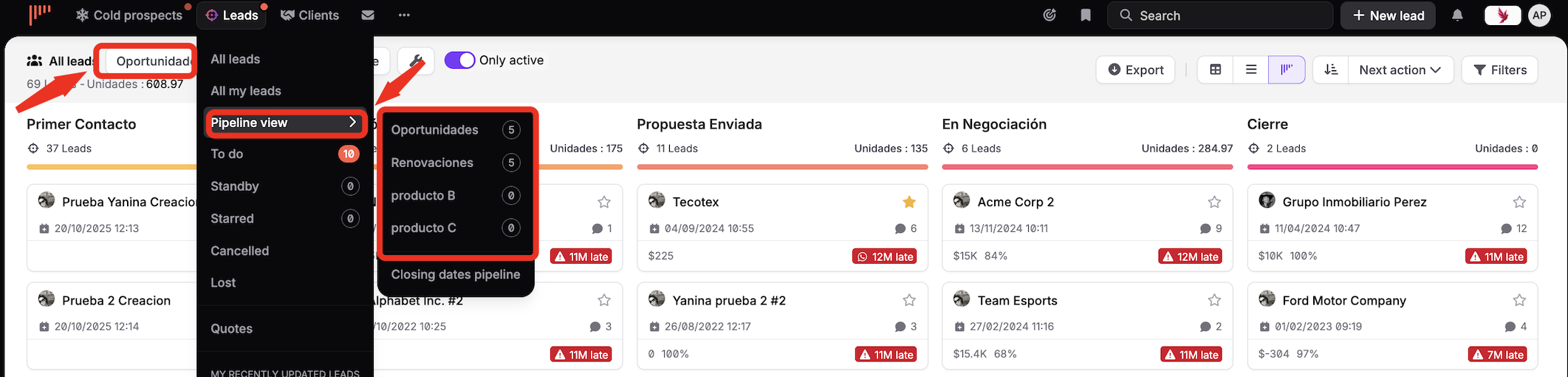
How to switch to another pipeline?
You can browse from one pipeline to another in no time using the drop-down list of the widget.