

The Activity Feed on the Home Page is very useful to see the last updates in your account.
As a sales manager for instance, you login to your account and you can quickly see what leads were updated, by what sales person, making it easy to track their activity.
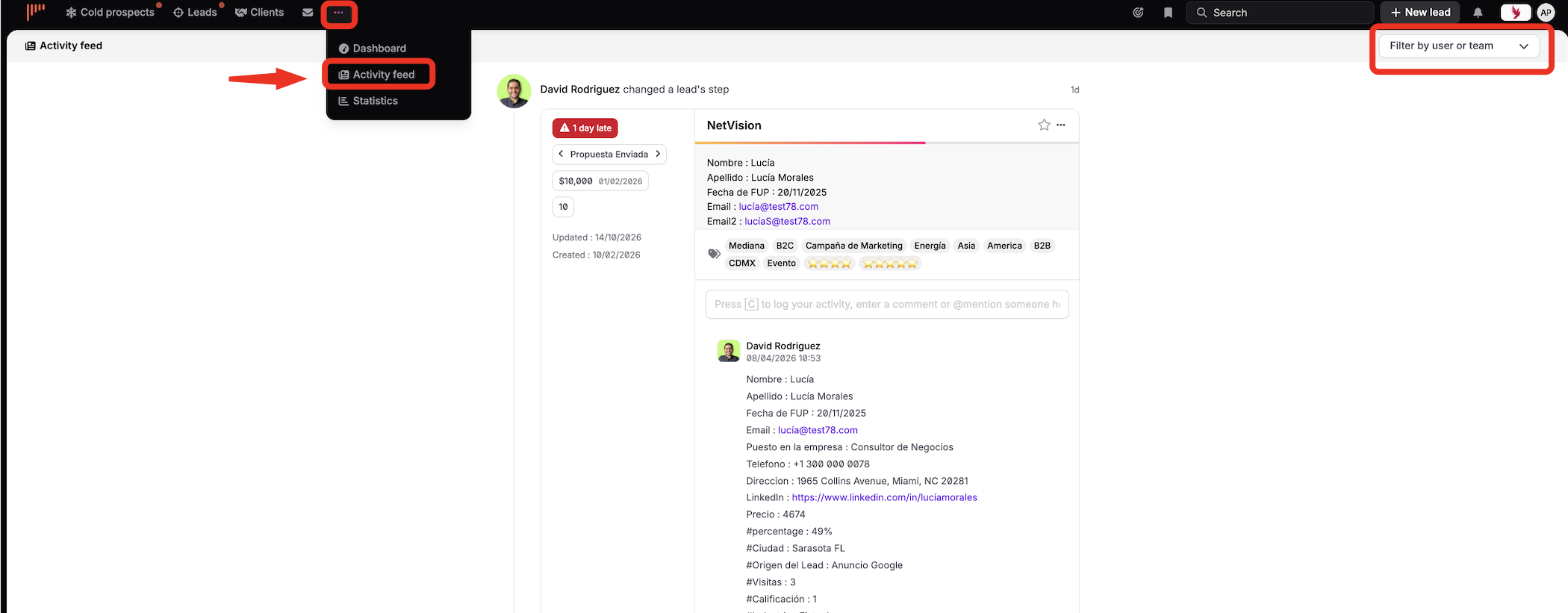
And, if you wish to access one of the leads that was updated, simply click on the lead and you will be taken to the lead. You will then also be able to quickly comment on the lead or give your salespeople advice.
To get a complete overview of new activities, noCRM.io also sends you a digest email every morning based on the activities performed the day before.