

Knowing when your users log in, from where, and from which device can help you prevent critical security situations.

Important: This feature is only available in the Dream edition.
Access user sessions
Follow these steps:
Click your avatar at the top right.
Go to Admin panel > Account management > Privacy and security > Sessions.
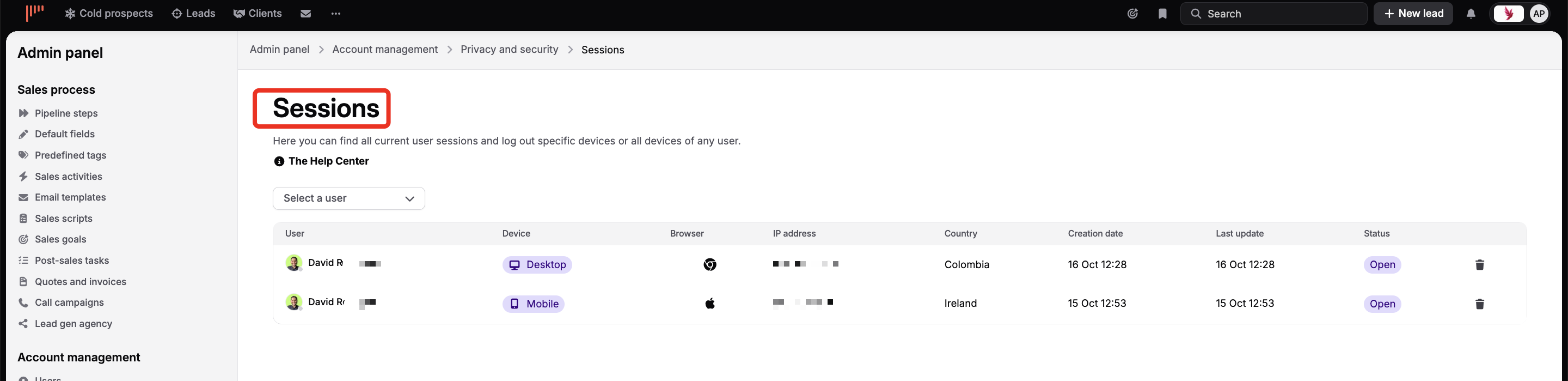
There you'll find all current and past user sessions and can log out specific devices or all devices of any user.