We know that noCRM is not the only information system you use internally to manage your sales process. That's why you can easily prefill data to create new leads in noCRM from your other tools.
For example, you're in touch with someone on Zendesk and you've identified a business opportunity? Use the new lead URL and add the email, the name or any other information you need to create a new lead with all the data inside.
Follow these steps:
Start from the new lead URL of your account: https://SLUG.nocrm.io/leads/new, where SLUG is the name of your account.
Add the information you want to prefill to this URL, for example a phone number, an email address or even a tag.
Open the URL: the information is placed in the corresponding fields of a new lead in noCRM.

For example:
Email: &[email protected]
Company: &Company=ACME
The full URL looks like this:
https://SLUG.nocrm.io/leads/[email protected]&Phone=123456789&Company=ACME
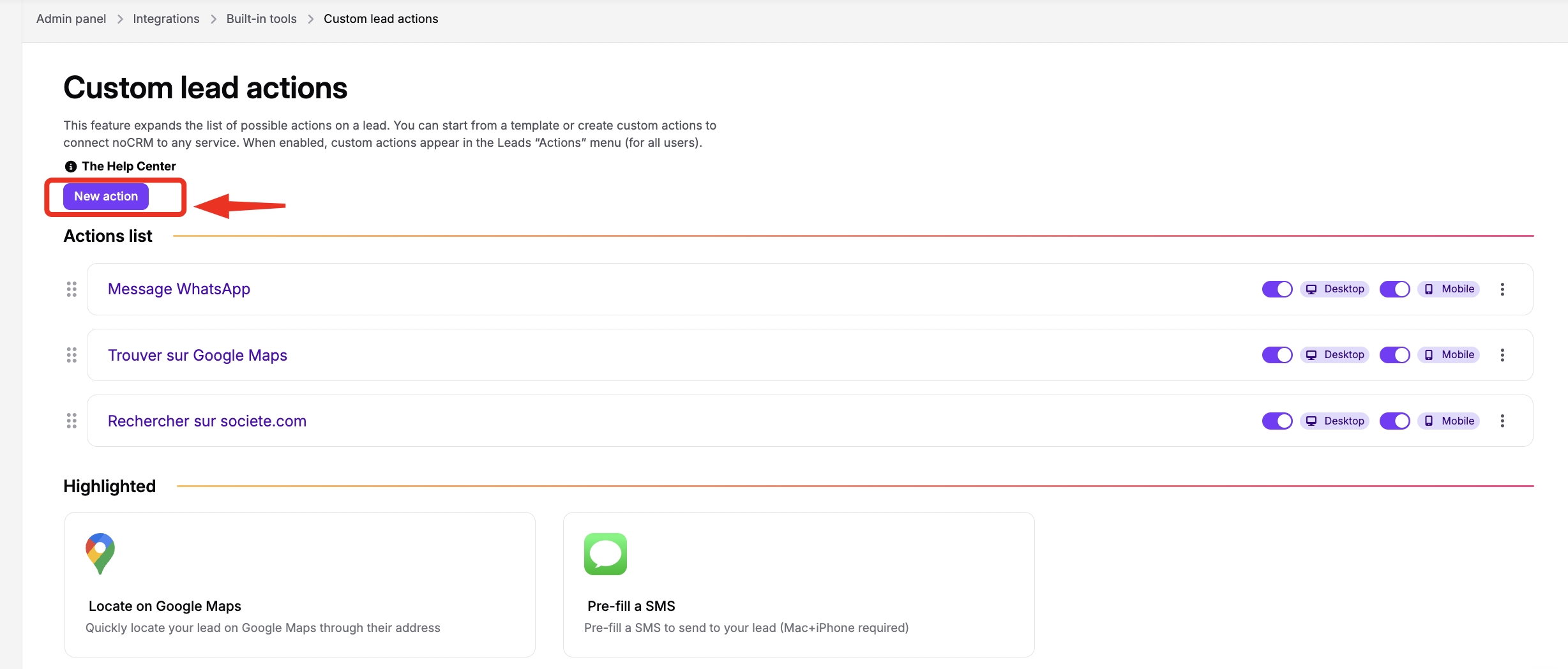
If you have two different noCRM accounts, you can use this URL to transfer a lead from one account to the other: create a new action in the lead's Actions menu, in Admin panel > Integrations > Built-in tools > Custom lead actions, that creates a new lead in your other noCRM account.